


Corporation Settingsfor stations
To change the appearance of the page, edit the styles of the corresponding elements (in most cases by using the "Main Frame" Style Zone).
To change the menu’s links: edit, copy-paste, or delete the Link Elements within.
To hide an element without deleting it, use its property Visible.
To change the menu’s links: edit, copy-paste, or delete the Link Elements within.
To hide an element without deleting it, use its property Visible.
STEP 1 - Normal Corporations
Once Docked at your station "Take Control Of your station"
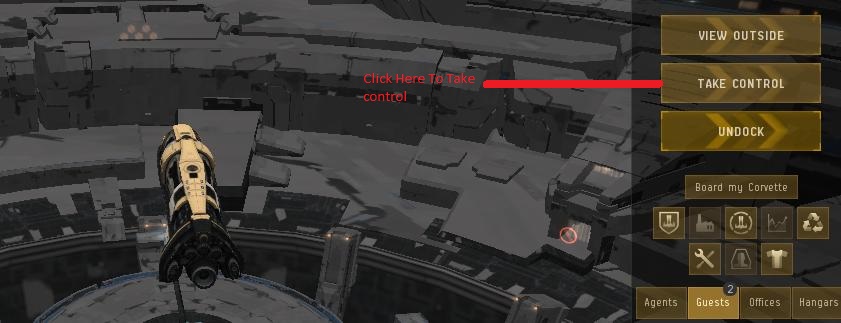
To "activate" displaying of an arrow, use its property "Visible"
Once Control has been Taken Edit your Structure Profile as per below. Right Click on the Structure and Click on Edit profile used by Structure
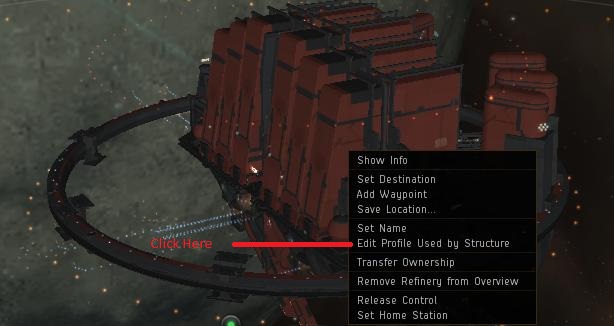
The above will show up and it will look similar to this below picture.
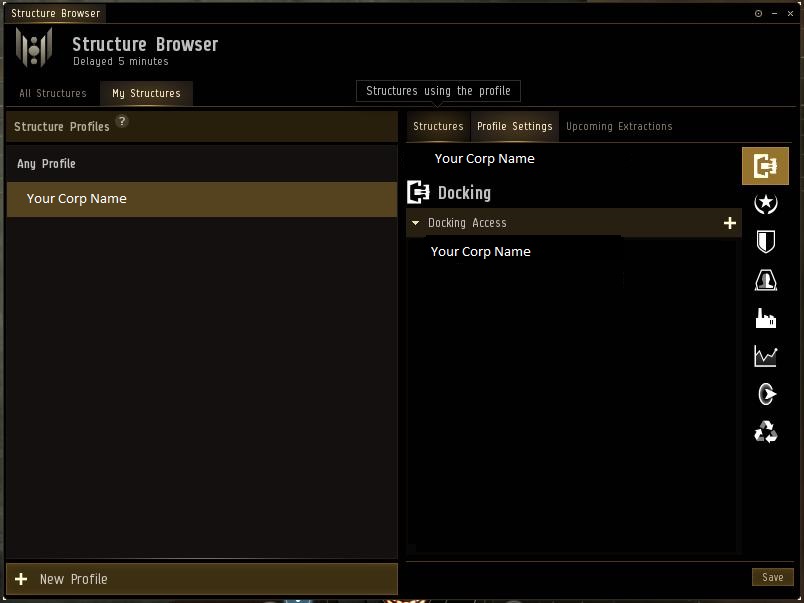
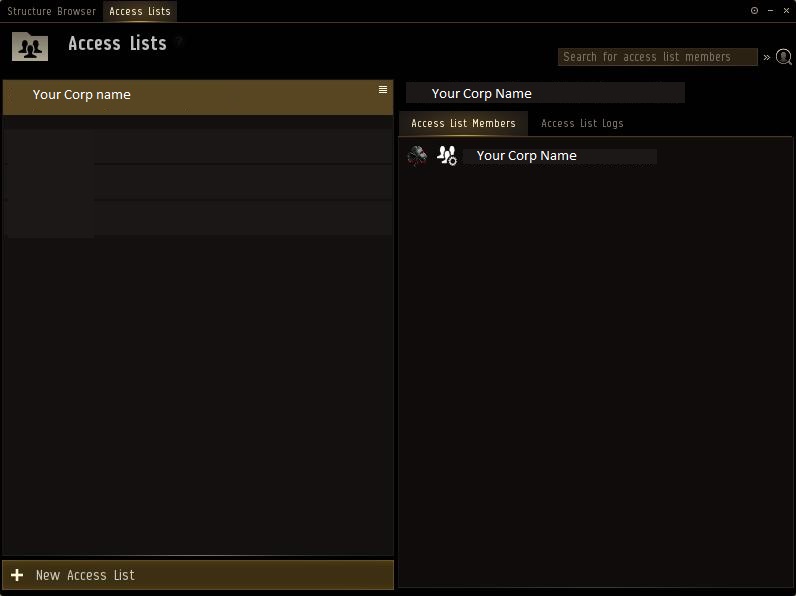
Now you need to enter your access lists which you do By clicking the + next to docking and click on Manage Access List
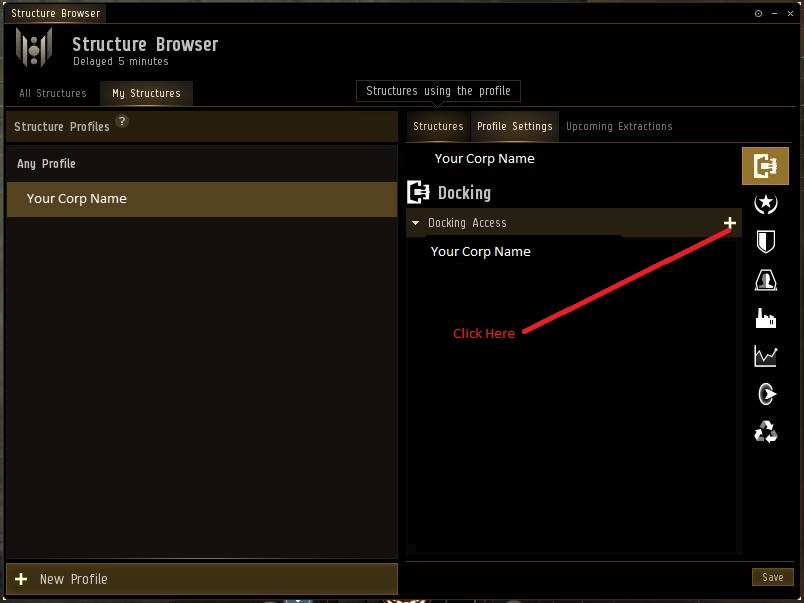
You will get a new block as shown below.

At the Bottom Left Click on New Access List As below.

You will be greeted with the below block.
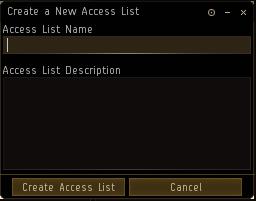
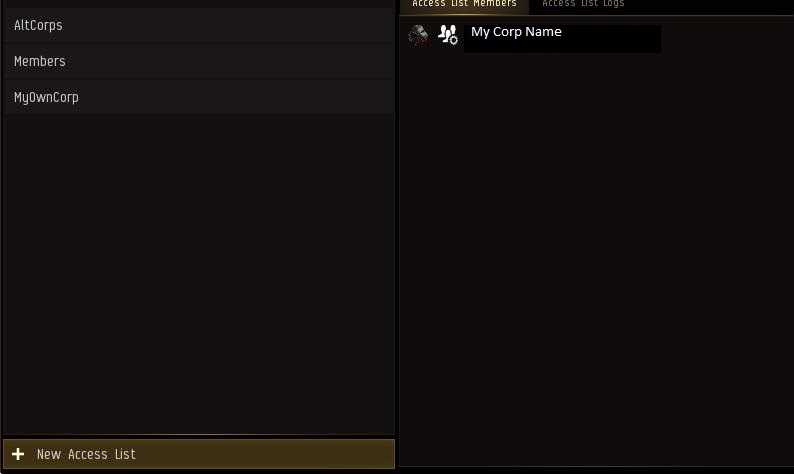
For Single Corp you can only Create AltCorps and Members
For Shell Corps you need to Make 3 Tabs. AltCorps and Members and your original Corp, Lets say Myowncorp
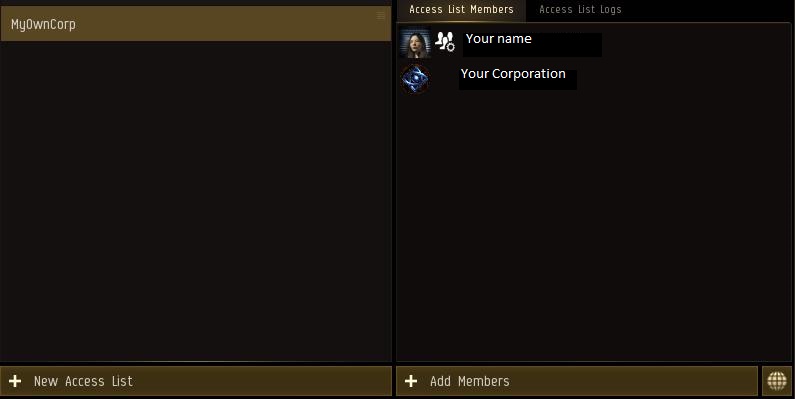
Once all these Groups are made it will look like this. Remember shell corp and own corp lookssame with exception of MyOwnCorp members list. It should look like the below.
Now you click on AltCorp on the left and add the corps of the allaince within that on the right hand side as shown below.
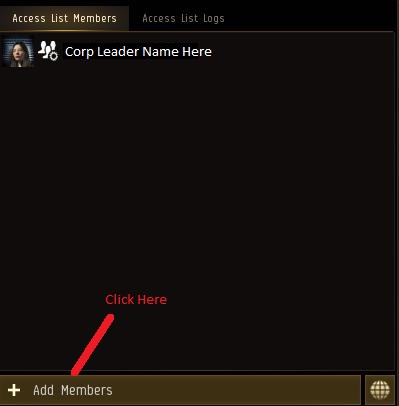
Add all the corperations one by one. you will end up with a list with corp names
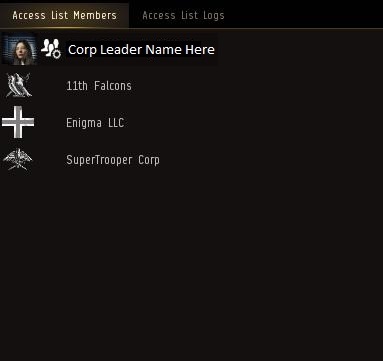
Now click on Members on the Left hand side and add the members you want to have Control access on your stations, Say best friends or Co-CEO and so forth. Those people will be able to start moon mining as well as fuel stations.
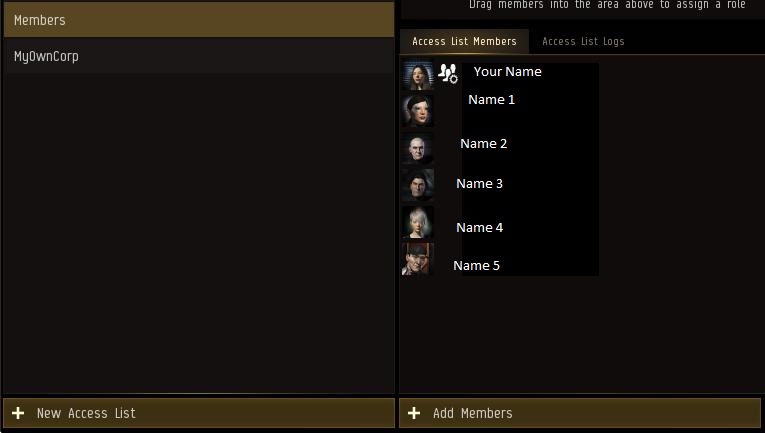
Once Satisfied with members you added click on the MyOwnCorp and add as above your own Corp Name as a member
Once all that is done Click on the X at the top right to close that Block and return to structure browser as below. You will Now have a Save Button on the bottom Right, You can click it but we are not done yet. We still have to give all the access to the people we just made
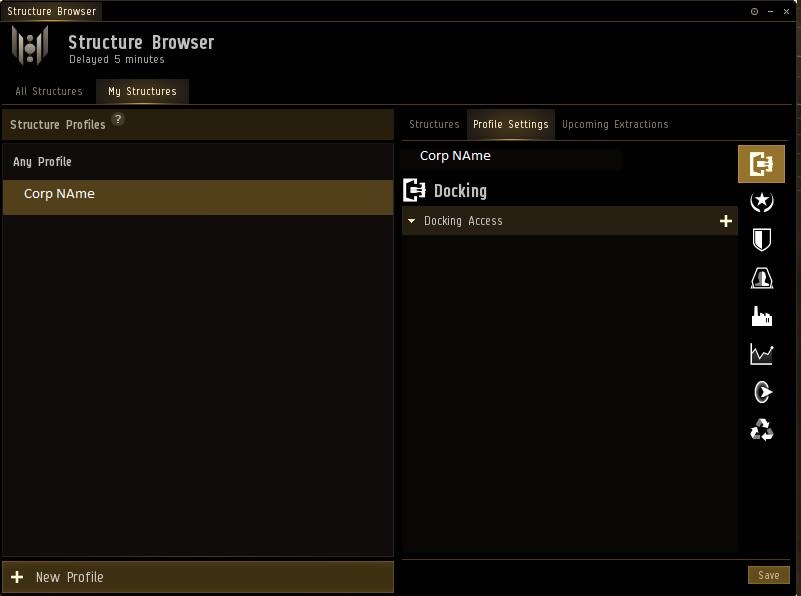
Now you can click on the Shield on the right side bar. That is control.
Click on the + next to docking and click now on the top one as shown below, You will get a popout as shown below. Add The groups except Members as Members is used somewhere else.

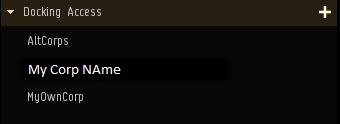
Add Members list to that Group and if your current corp is not there add it as well Normally it is automatically added from start.
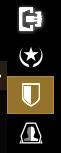
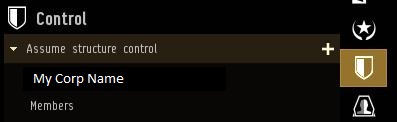
Now you can click save and Release control of station. Your Access will now be correct, You do not need to do this for all Stations only the 1 station as all stations use the same Profile.